The customer directory
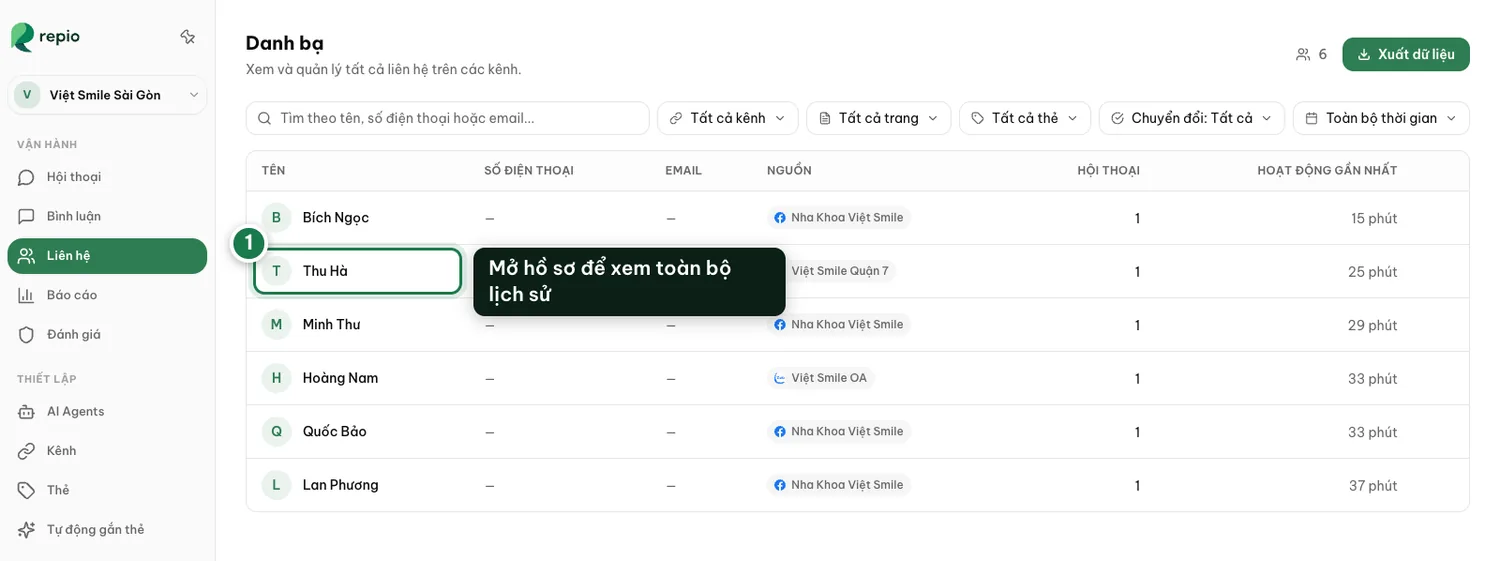
Contacts collects everyone who has ever messaged you, on any channel. One profile per customer, with all their conversation history.
On this page1/3 · Where contacts come from
Key terms
- Contact
- One customer on one channel. Details belong to the contact rather than to a single conversation, so every time that person writes again on the same channel you still have their history.
This directory builds itself from messages. Repio creates a contact the first time somebody writes to one of your channels, and there is no way to add one by hand or import a spreadsheet.
In other words: the customer list sitting in your Excel file or your CRM will not appear here. Repio’s directory holds only people who actually messaged you.
Tip: To bring old customers in with their conversation context, what you want is importing Facebook message history rather than a contact import. That brings the conversations and the contacts together, but only for Facebook Messenger, and only 30 days back per run.
Search matches names, phone numbers and emails.
Filters narrow by channel, tag, conversion status: a conversation that produced a result, marked by the AI, and conversation start date.
Put together, in seconds you get a list like “asked about pricing this month but has not converted”, exactly who to re-engage first.
The detail page shows the contact’s information along with every conversation they have had on their channel.
You can add or correct their phone and email here. Details the AI captures while advising land on this profile too.
Each platform issues its own user ID, so the same person messaging your Facebook Page and then your Zalo OA creates two separate contacts. Repio does not merge them. If you need to follow one person across channels, use their phone number as the link.
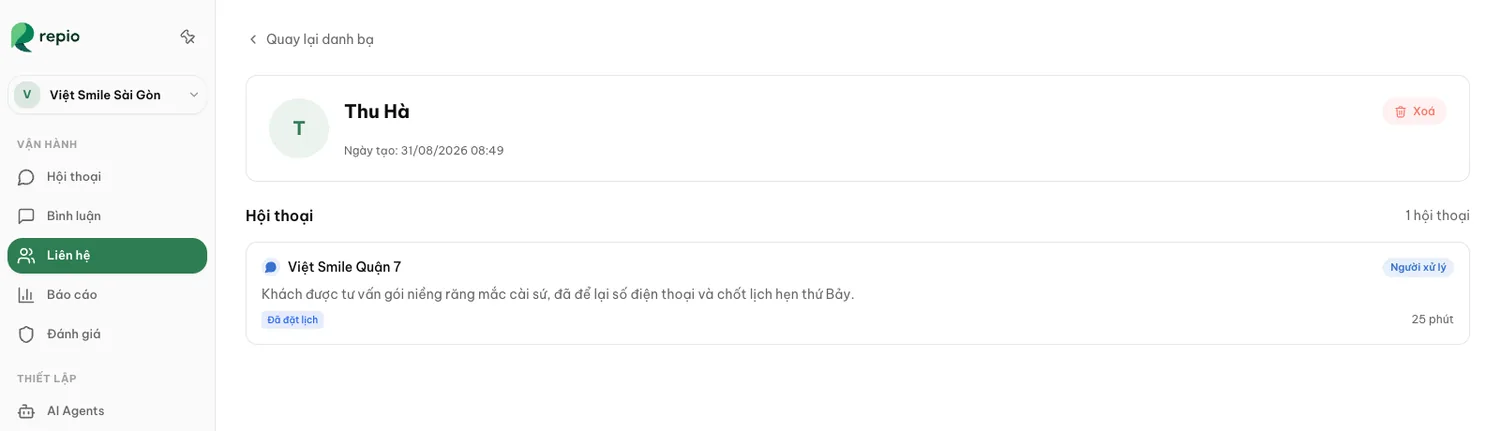
Note: Deleting a contact permanently removes all of their conversations too, and cannot be undone. Admins only.